


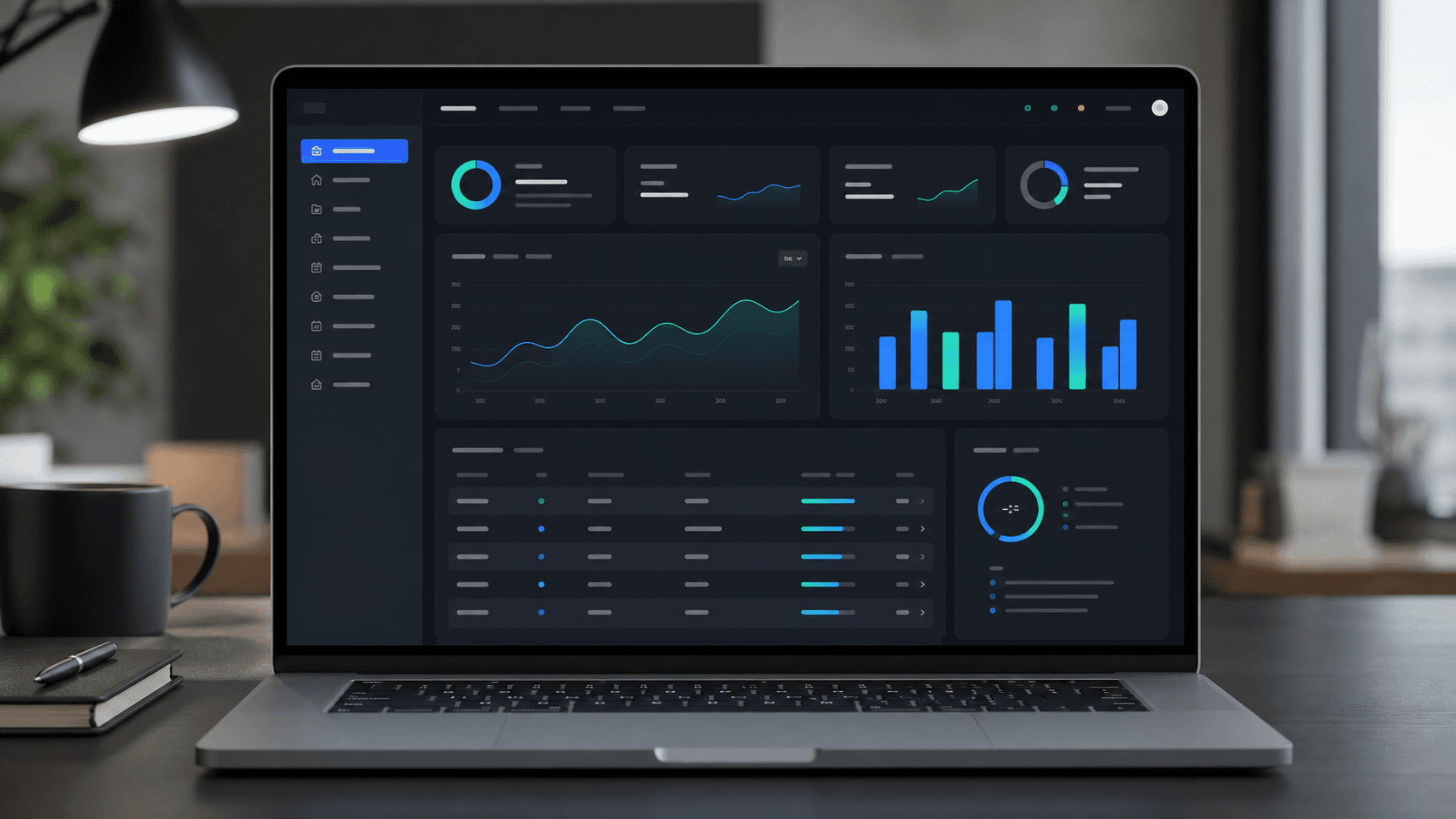
When to Build Custom Software Instead of Buying Another SaaS Tool
Buying another SaaS subscription can feel easier than building custom software, but growing businesses eventually need systems that match their workflows, data, permissions, and customer experience.

Most growing businesses do not wake up one day and decide they need custom software. They arrive there slowly.
First there is a spreadsheet. Then there are a few subscriptions. Then a CRM, booking tool, payment system, email platform, shared drive, operations tracker, and a handful of manual workarounds that only one person fully understands. At first, this stack feels practical. Over time, it becomes expensive, fragile, and difficult to manage.
Buying another SaaS tool is often the right move in the early stages. It is fast, affordable, and useful when the workflow is standard. But when a business depends on specific processes, customer portals, internal approvals, reporting, integrations, or role-based access, generic SaaS can start creating more work than it removes.
That is the moment to consider custom software.
The real problem is rarely one missing feature
Businesses usually start looking for custom software because one tool cannot do something important. But the deeper issue is often not a missing feature. It is that the business has outgrown disconnected systems.
Teams copy data between platforms. Managers wait for manual updates. Customers ask for status by email because there is no portal. Reports take hours because information lives in five places. Staff rely on spreadsheets because the official tools do not match the workflow. Each workaround seems small, but together they create operational drag.
Custom software is valuable when it removes that drag and gives the business one reliable system around the way work actually happens.
When buying SaaS is still the right choice
Custom software is not always the answer. A generic SaaS product is usually better when the process is common, the budget is limited, speed matters more than control, and the business does not need a unique experience.
For example, payroll, basic accounting, simple email marketing, and standard support ticketing are often better handled by established tools. These products have years of edge cases built in, and rebuilding them from scratch rarely makes sense.
The question is not whether SaaS is good or bad. The question is whether the tool fits the business well enough to support growth without forcing the team into messy workarounds.
Signs your business may need custom software
A business should start evaluating custom software when these patterns appear:
- Teams are copying the same data between multiple tools.
- Spreadsheets have become mission-critical systems.
- Customers need a portal, dashboard, booking flow, or self-service experience.
- Managers cannot see real-time operational performance.
- Staff need different permissions, approvals, or workflows than generic tools support.
- Reporting depends on manual exports and cleanup.
- Subscription costs are rising while the stack still feels incomplete.
- The current tools make the company look less professional to customers.
If several of these are true, the cost of not building may already be showing up in lost time, messy handoffs, weaker customer experience, and slower decisions.
Custom software should create leverage
The best custom software projects are not built because a company wants something fancy. They are built because the business needs leverage.
Good custom software can centralize workflows, automate repetitive steps, improve reporting, reduce admin time, connect systems, support customer self-service, and make operations more consistent. It should help the team do more with less friction.
At Dionix, our custom software development work often includes internal tools, customer portals, admin dashboards, booking systems, workflow platforms, and API integrations. The goal is not to replace every SaaS subscription. The goal is to build the missing system that ties the business together.
Common custom software use cases
For growing service businesses and B2B teams, the most useful custom software usually falls into a few categories.
Internal tools
Internal tools help staff manage work that does not fit neatly into existing platforms. This can include job tracking, approvals, scheduling, document workflows, inventory checks, quote management, and operational dashboards.
Customer portals
Customer portals give clients a secure place to view requests, documents, appointments, invoices, messages, project updates, or account data. A good portal can reduce support load and make the business feel more professional.
Dashboards and reporting
Custom dashboards pull the right data into one place. Instead of exporting from multiple systems, leaders can see the metrics that matter for operations, sales, finance, and delivery.
API integrations
Integrations connect CRMs, payment systems, databases, booking tools, email platforms, storage, and third-party services. This is often the highest-leverage starting point because it removes manual data movement.
Custom software vs SaaS: the decision framework
Use this simple framework before deciding:
- Buy SaaS when the workflow is standard and the tool already does 80 percent of what you need.
- Integrate SaaS when the tools are good individually but disconnected from each other.
- Build custom software when the workflow, customer experience, permissions, data model, or reporting requirements are specific to the business.
- Build a SaaS product when the system itself can become a product sold to other customers. In that case, the work may belong in a SaaS development roadmap rather than an internal operations project.
This framework prevents overbuilding while still giving the business room to create systems that fit its real needs.
What custom software costs depend on
Custom software cost depends on scope, design complexity, user roles, database structure, integrations, automation, security needs, reporting, and deployment requirements.
A focused internal tool can be much smaller than a full customer portal or SaaS platform. The best first version should solve the most expensive workflow problem without trying to rebuild the entire company at once.
That is why discovery matters. Before development, the team should map the workflow, identify users, define permissions, list integrations, prioritize features, and decide which manual steps should stay manual for now.
Start smaller than you think
The safest way to build custom software is to start with the highest-value workflow. Do not try to replace every tool in the first version.
For example, a service business might begin with a client portal and admin dashboard. A logistics team might start with dispatch visibility. A consulting firm might start with project intake and document tracking. A healthcare or care services company might start with secure requests, status updates, and staff workflows.
Once the first release proves value, the system can expand in controlled phases.
Where Dionix fits
Dionix helps businesses design and build custom software around real operations. We can plan the workflow, design the interface, build the application, connect existing tools, and deploy a reliable system that teams can actually use.
If your business is stuck between too many subscriptions and too many manual processes, start with our custom software development service or review recent examples in our portfolio.
FAQ
Should my business build custom software or buy SaaS?
Buy SaaS when the workflow is standard and the tool already fits most of your needs. Build custom software when your workflow, permissions, data, customer experience, or reporting are too specific for generic tools.
Can custom software connect to tools we already use?
Yes. Custom software can integrate with CRMs, payment systems, email tools, databases, booking platforms, storage services, analytics, and third-party APIs.
Is custom software only for large companies?
No. Custom software can be valuable for small and mid-sized businesses when manual work is limiting growth, customer experience, or operational visibility.
Can Dionix build customer portals and dashboards?
Yes. Dionix builds customer portals, admin dashboards, internal tools, workflow platforms, booking systems, API integrations, and business web applications.
Continue Reading
View Custom Software Development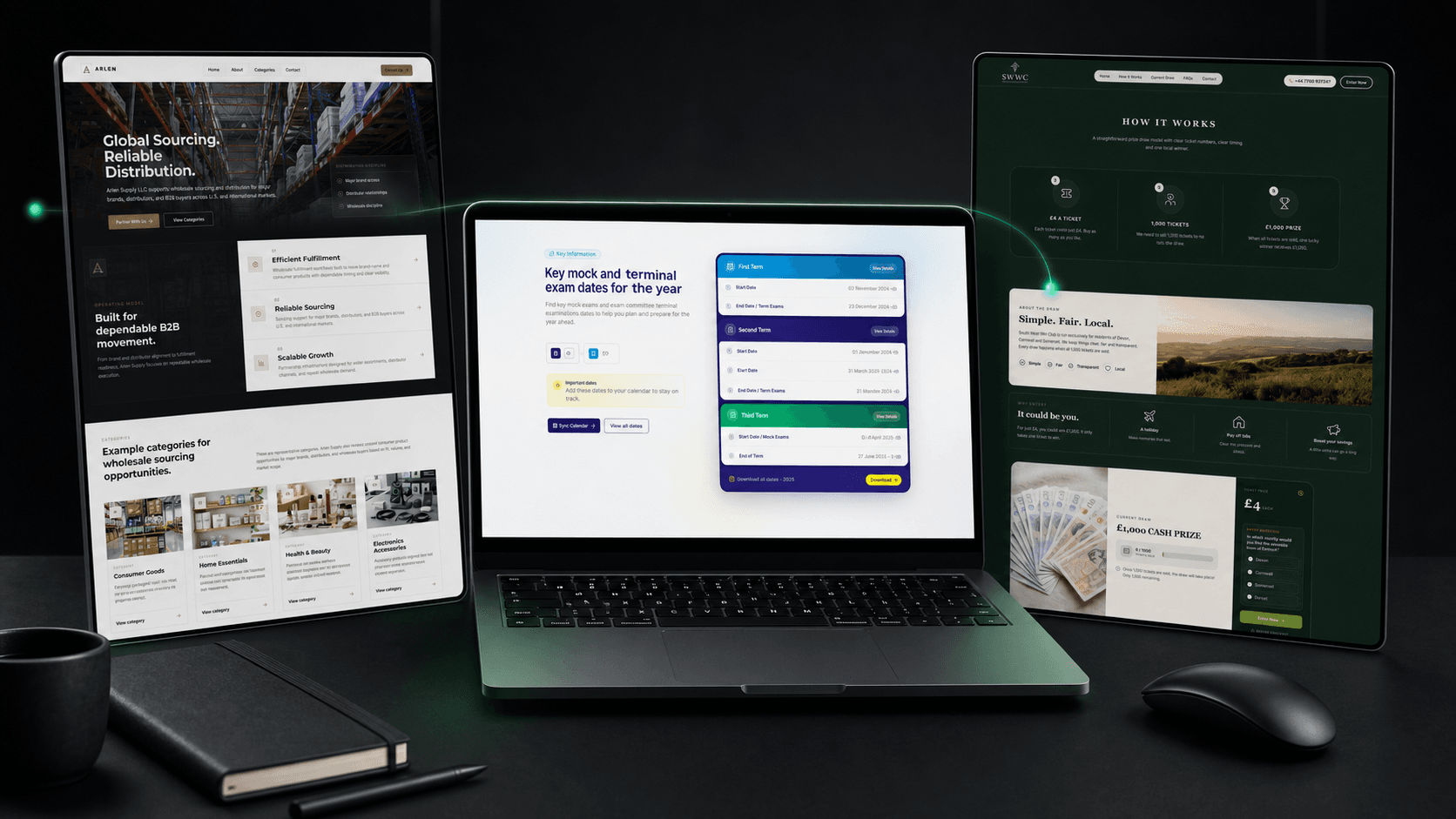
How Custom Software Development Works: A Buyer’s Guide
A practical buyer’s guide to custom software discovery, requirements, architecture, delivery, migration, rollout, and support—plus the decisions that prevent expensive rework.
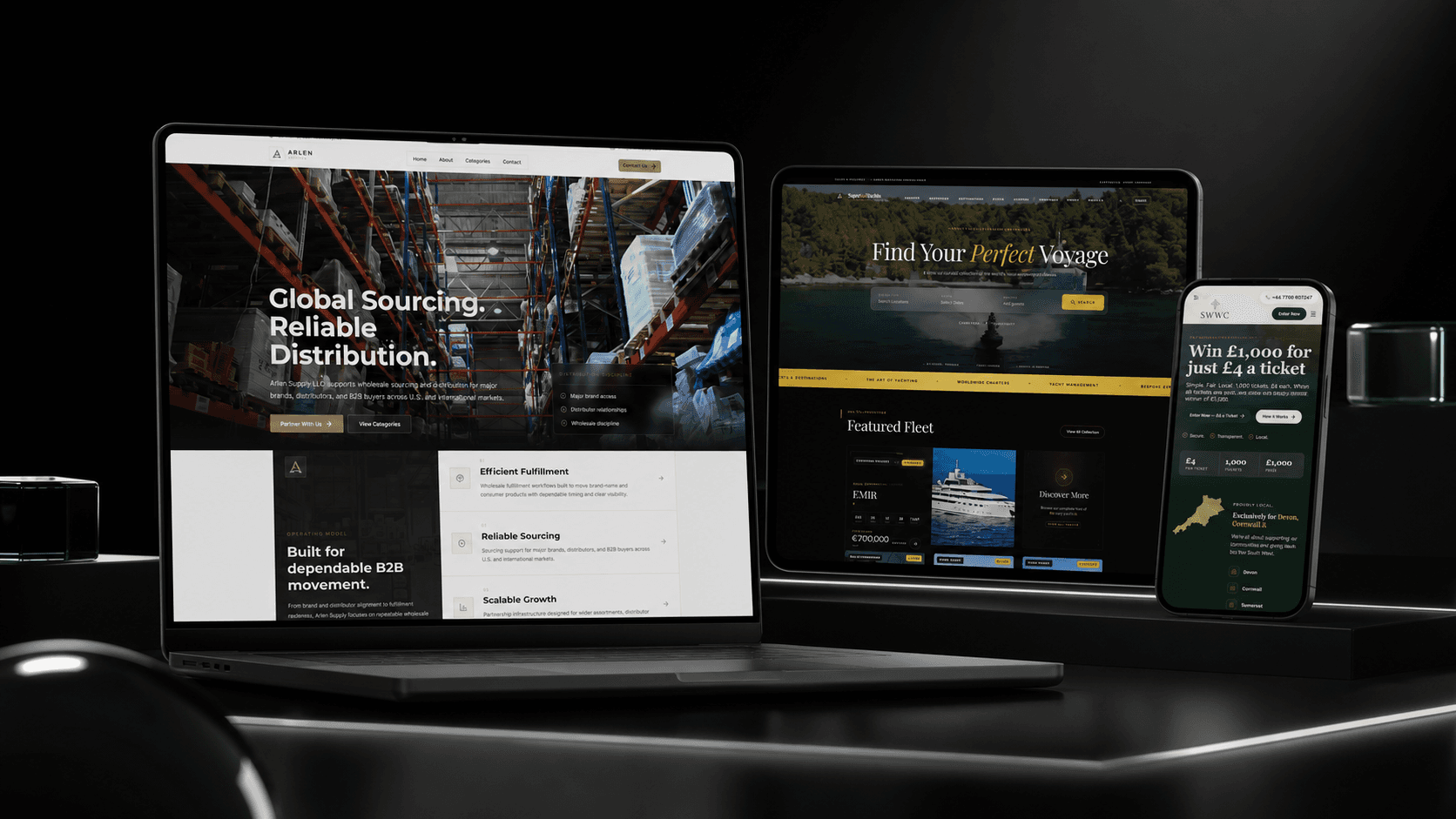
Business Website Development Guide: From Strategy to Launch
A practical guide to planning, designing, building, testing, and launching a business website that communicates value clearly and turns the right visitors into enquiries.
Why Cheap Websites Attract Cheap Leads: The Premium Website Strategy for High-Value Clients
A cheap website rarely just saves money. It shapes who trusts you, what kind of leads contact you, and whether high-value clients believe your business can deliver premium work.